"What's the point in being a 3d artist unless you use your skills to try customizing everything!"
That’s what a tutorial recently told me. But here’s the truth: I’m a founder, not a 3D artist, and I don't want to become one. As I was building out my latest project, I quickly realized how challenging it can be to customize 3D icons without relying on complex, bloated tools or hiring an expensive outside designer.
When you need custom icon sets for web and mobile apps, the usual advice from the internet is to just download design software and "figure it out." But my time is my most valuable asset. I absolutely refuse to sit through videos of 67 Blender tips and tricks just to figure out how to make a simple, clean, highly stylized 3D icon for E-commerce.
The 4-Hour Trap vs. The 6-Second Solution
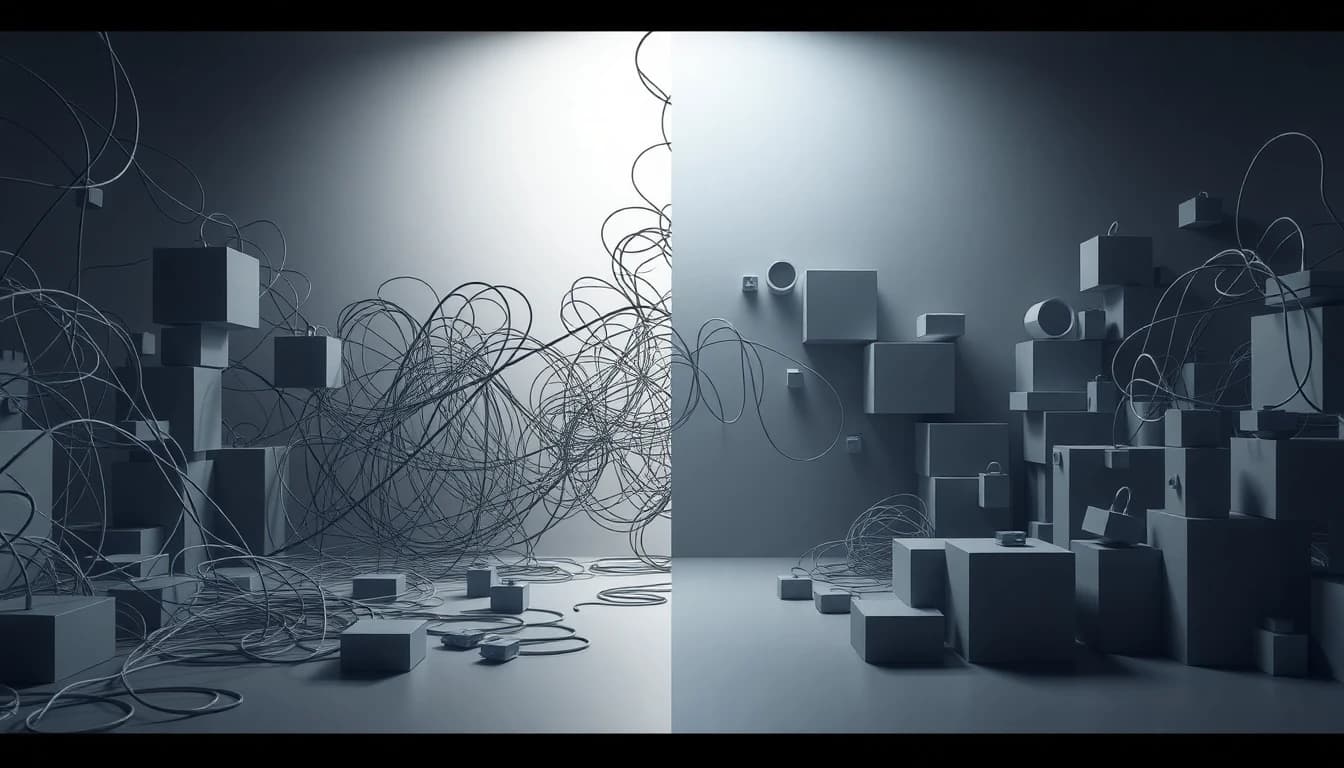
A typical Blender workflow is a massive time-sink. You’re looking at a 4-hour grind of modeling shapes, setting up complex lighting rigs, waiting for renders to finish, and then manually masking out backgrounds. Learning 3D just to get a few UI assets is massive overkill when you should be focused on building and shipping your core product.
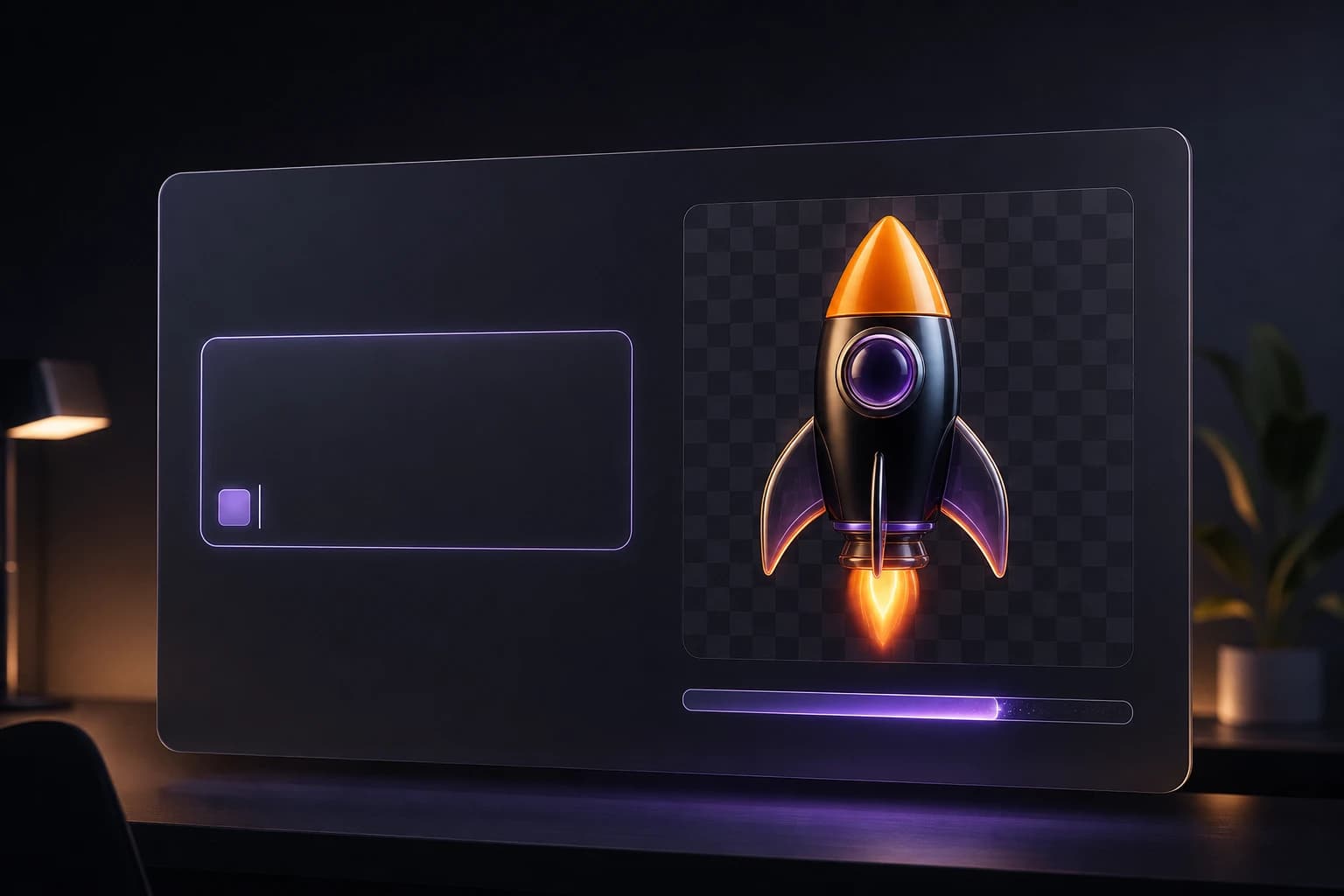
I needed a way to avoid getting bogged down in design software altogether. That’s exactly why we built Oven AI—the ultimate AI 3D icon generator designed specifically for builders who just need assets fast. Instead of a 4-hour Blender marathon, Oven AI turns your ideas into stunning 3D icons in exactly 6 seconds.
Brand Consistency and Drop-In Ready Workflows
One of the biggest headaches with traditional AI image tools is getting them to match your brand's exact look more than once. We solved this with our "Style Memory" feature. Once you find a look you love, you can lock in that specific visual language, ensuring infinite brand consistency across an entire UI set without having to endlessly tweak your prompts.
We also eliminated all the tedious post-production work that usually follows 3D rendering. Oven AI features automated background removal and a direct Figma plugin integration. That means every single asset you generate is instantly drop-in ready for your designs.
If this is the kind of speed and consistency you need to keep shipping, that's the gap we built Oven AI to close — open it the next time you hit this wall.
If this is the kind of work you're shipping, that's the gap we built Oven AI to close — open it the next time you hit this wall.