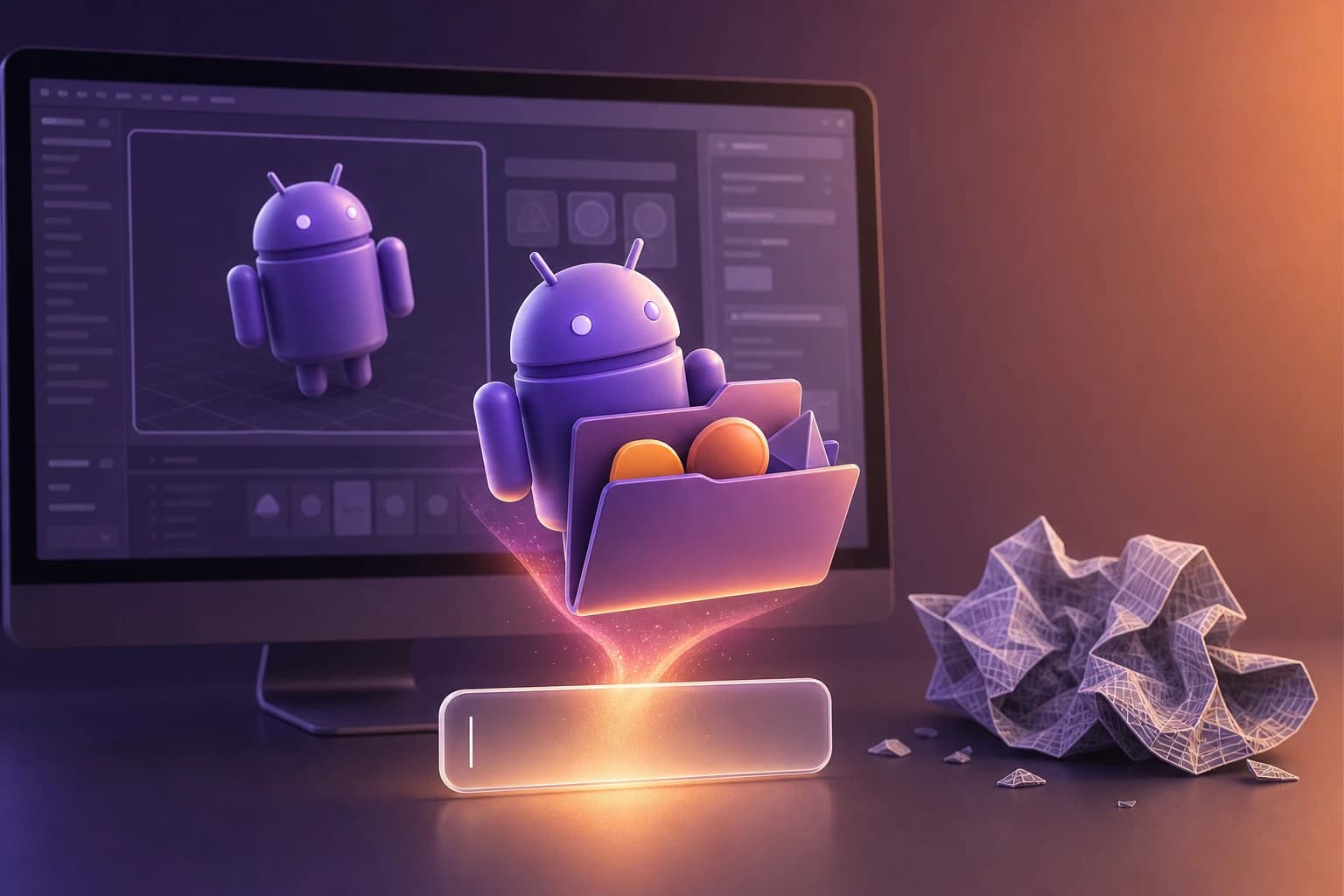
The blank canvas is a designer's worst enemy, but in 2026, AI is turning it into a launchpad.
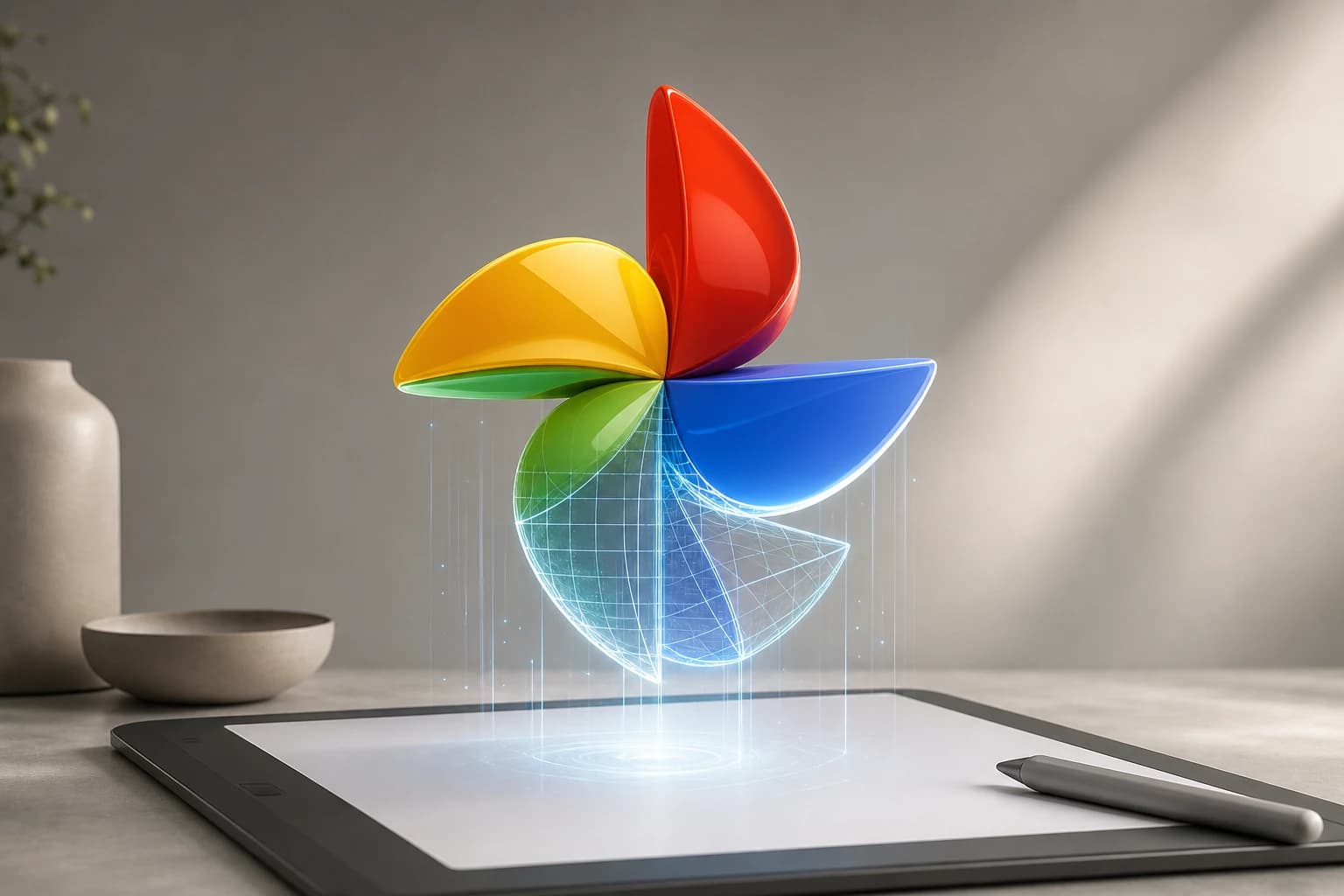
For solo founders, product managers, and indie makers, spending hours tweaking vector curves for an app icon is a luxury they can't afford. The alternative used to be worse: wasting hours sorting through millions of premium stock assets just to download one specific file. Whether you need a simple messenger 3d icon or a hyper-specific google photos 3d icon, digging through bloated stock libraries is a massive drain on time and budget.
As seen across the tech industry, AI design tools generate strong first drafts, allowing teams to bypass the initial friction of design. The goal isn't necessarily to replace the designer, but to use AI to skip the blank canvas entirely.
Generating Icons Without the Stock Site Hassle
AI has fundamentally changed how we source imagery. Google, for instance, now allows opted-in users to create AI images directly from the standard Search bar returning four alternatives in moments. Even the native Google Photos app has introduced a "Remix" feature that lets users transform photos into different styles like 3D animations.
But when you're building a UI, you need a workflow that integrates directly into your design environment. Instead of debating what to build, teams can quickly test AI-generated directions and iterate faster.
Here is the modern product-led workflow for generating a custom icon:
- Stay in Your Workspace: Open your Figma canvas.
- Launch the Tool: Open the Oven AI plugin directly inside Figma.
- Enter Your Prompt: To recreate a specific style, use this exact text prompt: "3D stylized pinwheel with rounded blades in Google colors: red, yellow, green, and blue, studio lighting".
- Drag and Drop: Generate the icon and drop it directly into Figma. There is no need to manage external files, switch tabs, or manually remove backgrounds.
Testing Your AI Icon on a Real Device
Once you generate your new 3d icon ios or Android asset, you'll want to see how it looks on a live home screen before officially submitting it to the App Store or Google Play.
- For iOS: As long as you are running iOS 14 or higher, you can use the Shortcuts app to give any app you like a unique icon. Just ensure your AI-generated image is saved to your Photos library.
- For Android: There are multiple free apps available to swap out icons for testing. For instance, you can install X Icon Changer from the Google Play store to temporarily replace an existing app's icon with your new AI-generated design.
The Antidote to Expensive Monthly Subscriptions
Most AI generation tools or stock asset sites trap you in expensive monthly subscriptions. If you just need a handful of assets for a sprint, paying a flat monthly fee is overkill.
That’s why Oven AI uses a "pay-as-you-bake" pricing model. It acts as the ultimate antidote to expensive monthly stock subscriptions—you only pay for what you generate. This makes it the perfect fit for solo developers and product managers who need high-quality assets without the overhead.
By treating AI as a collaborative partner rather than starting from a blank page, product managers and solo developers can save hours of design work, ensuring their app looks professional from day one. If this is the kind of work you're shipping, that's the gap we built Oven AI to close — open it the next time you hit this wall.
If this is the kind of work you're shipping, that's the gap we built Oven AI to close — open it the next time you hit this wall.