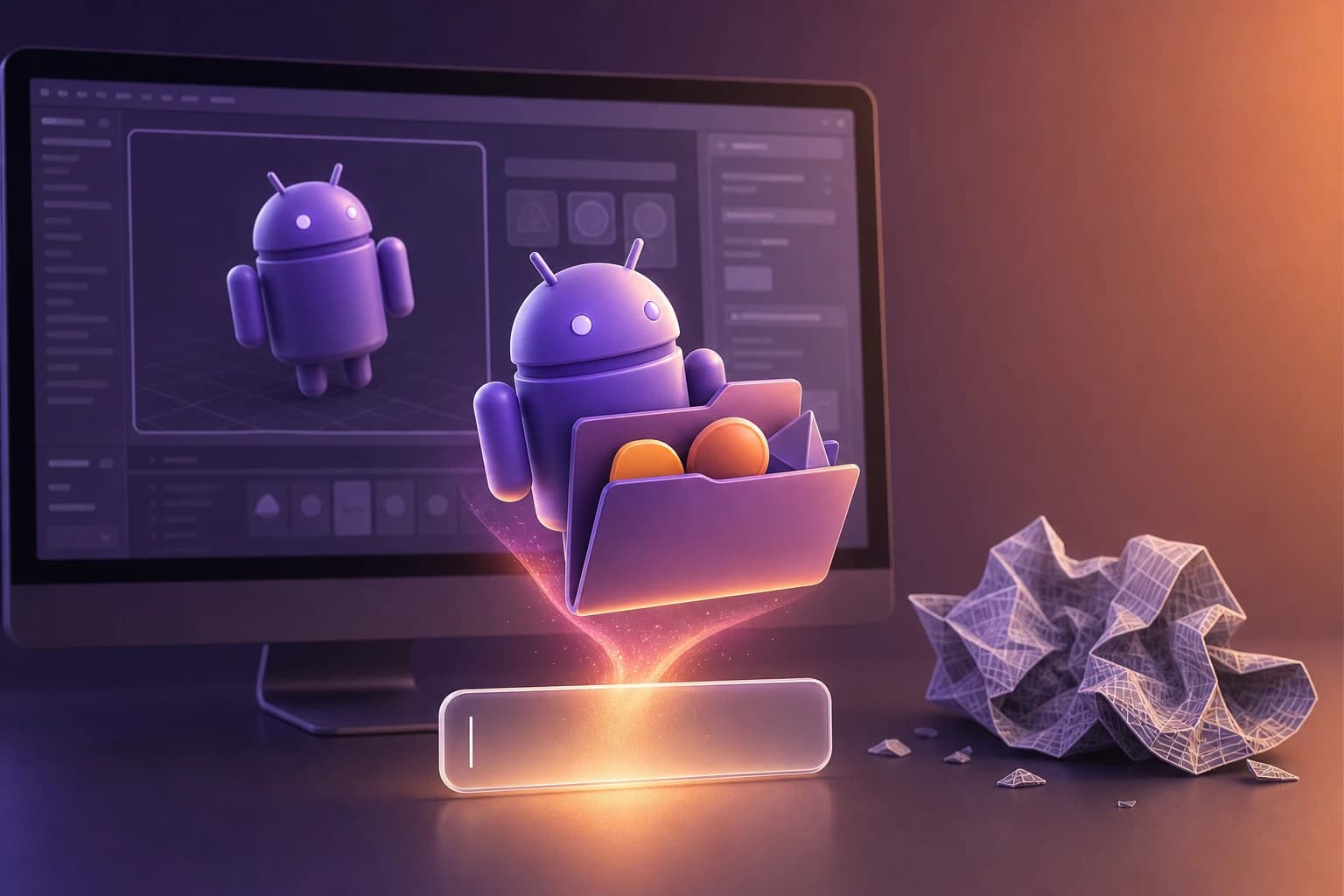
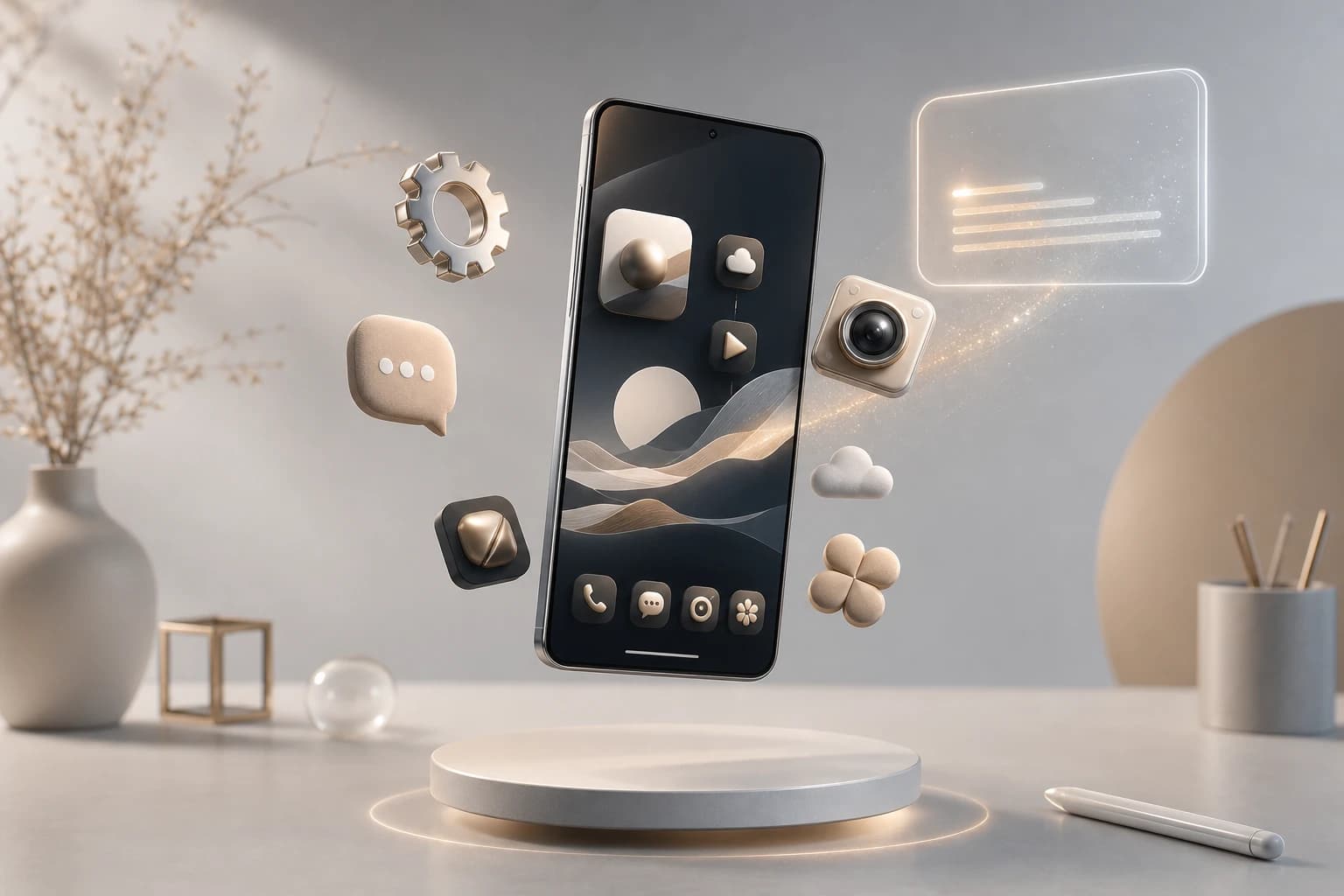
Stop settling for flat, uneditable squares on your home screen.
Customizing your Android device is about much more than just swapping out wallpapers; it is about achieving a unified, cohesive aesthetic. Default application visuals often clash, leaving users with a fragmented and messy interface. Whether you want to build a 3d icon android experience for your personal device or package a commercial release, generating consistent assets and compiling them into a functional APK is easier than ever.
Here is the complete workflow for designing, packaging, and testing a custom 3D icon pack.
Step 1: Generate Transparent PNGs with Oven AI
The biggest bottleneck in creating a custom pack is designing dozens of consistent icons. Instead of spending hours modeling in complex software, founders and product designers use Oven AI to automate the heavy lifting.
Oven AI is built for production speed. You can type a simple prompt like "camera 3d icon" or "social media 3d icon," and the platform will generate a high-quality, fully rendered asset in under 6 seconds.
The true power for icon pack creators is Oven AI's style memory. Once you establish your baseline aesthetic, the AI locks it in. This means when you move on to generate a youtube 3d icon, a paint 3d icon, a phone 3d icon, or a 3d icon house for your launcher's home button, every single graphic will share the exact same lighting, material, and geometric style.
Once generated, Oven AI allows you to export these assets as transparent, drop-in ready PNGs. This eliminates the need to manually remove backgrounds in photo editing software, giving you the perfect base files required for Android development (or even if you plan to port your designs later as a 3d icon iphone theme).
Step 2: Pair with Matching Wallpapers
A custom 3D icon pack will only look as good as the canvas it sits on. To achieve a cohesive home screen style, you need to pair your newly generated 3D icons with matching wallpapers.
Because 3D icons inherently feature depth, shadows, and highlights, placing them on a busy or hyper-detailed background will create visual clutter. Instead, opt for minimalist wallpapers, soft gradients, or abstract geometric patterns. If your Oven AI icons feature a frosted glass or claymorphism style, a blurred background with a shallow depth-of-field effect will make the 3D elements pop off the screen, creating a premium, tactile feel.
Step 3: Compile the Assets into an APK
Once your transparent PNGs are ready, you need to package them. Depending on your technical expertise, there are two primary routes:
For Everyday Customization: Icon Pack Studio 2 If you want to build the pack directly on your device, Icon Pack Studio is a versatile app that lets you import your custom images and build unique packs from scratch icon-pack-studio.en.softonic.com. The app allows you to apply special filters, resize elements, and adjust shadows icon-pack-studio.en.softonic.com. To ensure your pack works on third-party launchers (like Nova or Microsoft Launcher), you can use the Universal download of Icon Pack Studio 2, which utilizes restricted APIs for a streamlined APK export.
For App Developers: Android Studio
If you are coding a native icon pack app from scratch, you will use Android Studio's built-in Image Asset Studio. This tool allows you to import your transparent Oven AI PNGs (the preferred file type) and automatically generates a set of icons at the appropriate resolution for every pixel density. Image Asset Studio then places these newly generated icons into density-specific folders under your project's res/ directory, ensuring the Android OS serves the correct resolution at runtime.
Step 4: Test the Latest Version on a Physical Device
Before offering your custom icon pack for download to the public, it is critical to test the latest version of the APK on a physical Android device. Emulators are great, but they do not always accurately reflect how custom launcher icons render on real-world screens.
To test your APK:
- Enable Developer Options: Go to your Android device's Settings > About Phone, and tap the "Build Number" seven times.
- Transfer the APK: Connect your phone to your computer and transfer the compiled APK file to your device's local storage.
- Allow Unknown Sources: Navigate to the file on your phone using a file manager, tap to install, and grant your device permission to "Install unknown apps" if prompted.
- Apply and QA: Once installed, open your custom launcher, apply the icon pack, and verify that the transparent PNGs scale correctly without pixelation. Check that the masking works and that the style remains cohesive against your chosen wallpapers.
By using Oven AI for rapid 3D generation and properly testing your compiled APK, you can ship professional-grade Android customization assets in a fraction of the time.
If this is the kind of work you're shipping, that's the gap we built Oven AI to close — open it the next time you hit this wall.