
Artificial Intelligence is no longer a “nice-to-have” in product management—it has become the backbone of how modern product teams operate. Whether you are launching a productivity calendar app or a mobile game, standing out in crowded app store search results requires a striking, professional visual identity.
The industry is rapidly shifting toward 3D and AI-driven customization. Google is currently leading the native OS charge by adding custom AI icon support to Pixel 6 devices and newer, a feature that is becoming fully integrated into Android 16. But for developers and product managers building cross-platform applications, relying on native Android OS-level theming isn't enough. You need a dedicated AI generator that builds cohesive, production-ready assets without the friction of traditional design tools.
Drop-In Ready: No Manual Touch-Ups Required
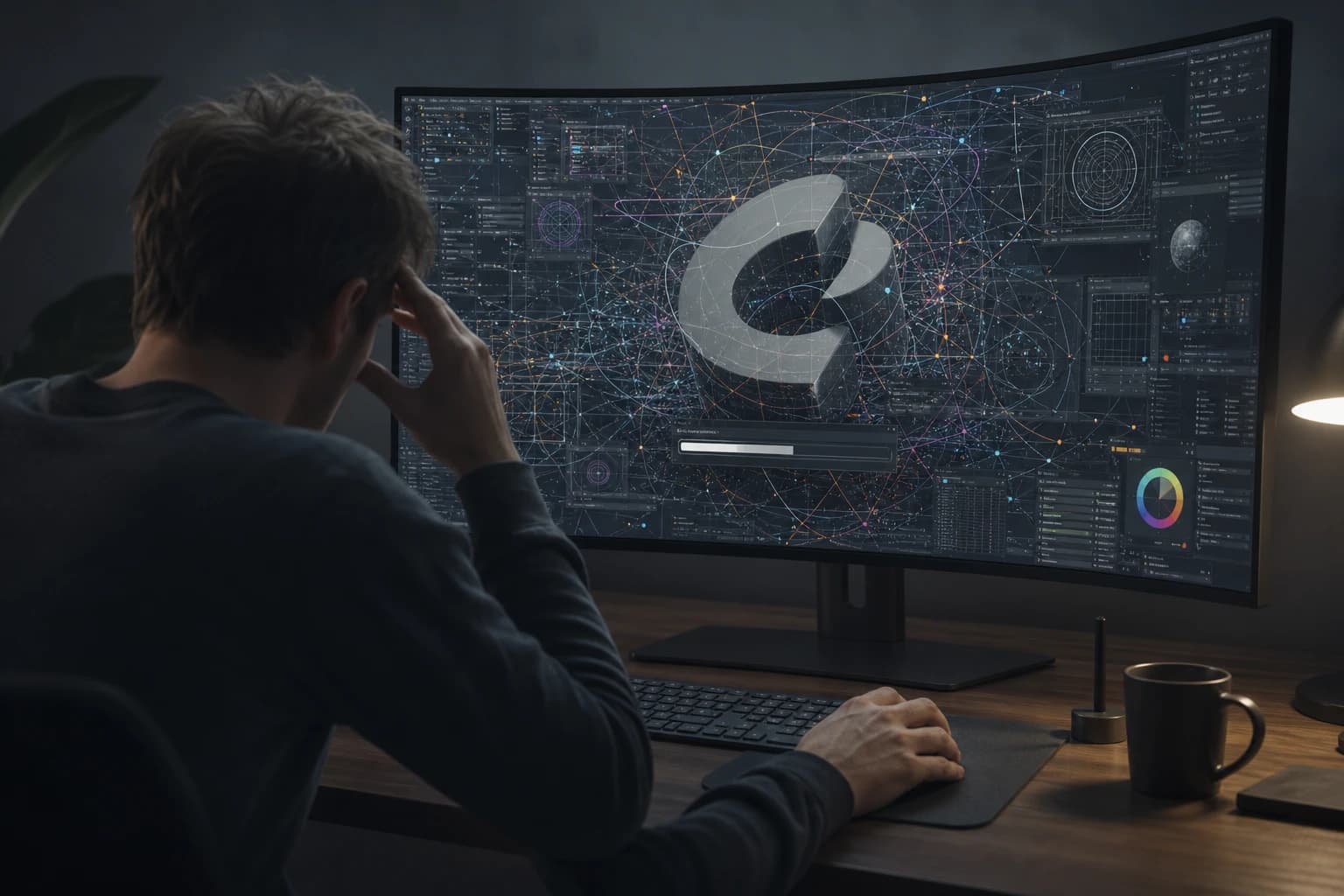
Historically, AI image generators have spat out flat, uneditable squares or assets plagued by blurry areas and strange artifacts. The old advice was to open a graphics editor, zoom in, and use a 'Heal Selection' tool to fix the mess.
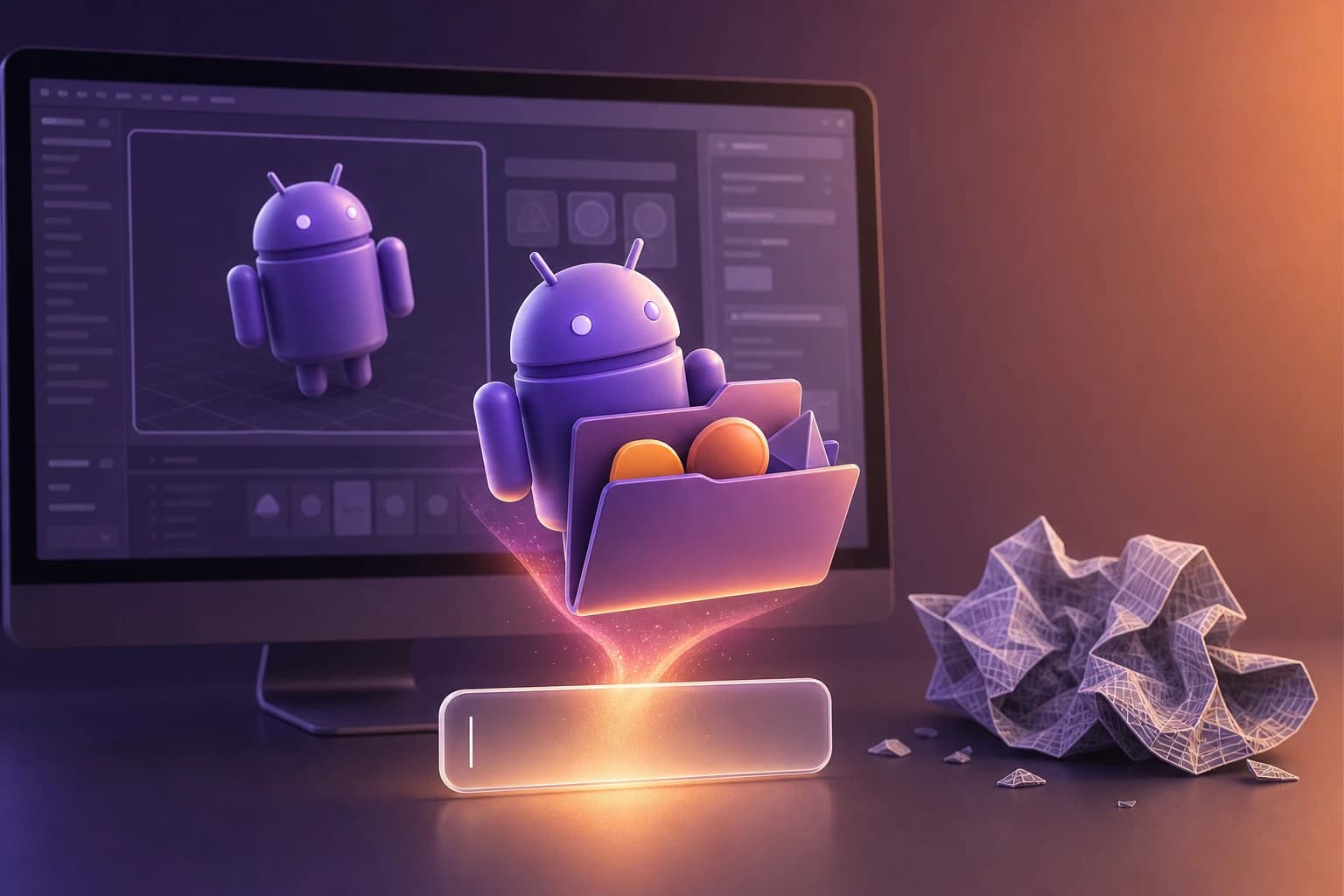
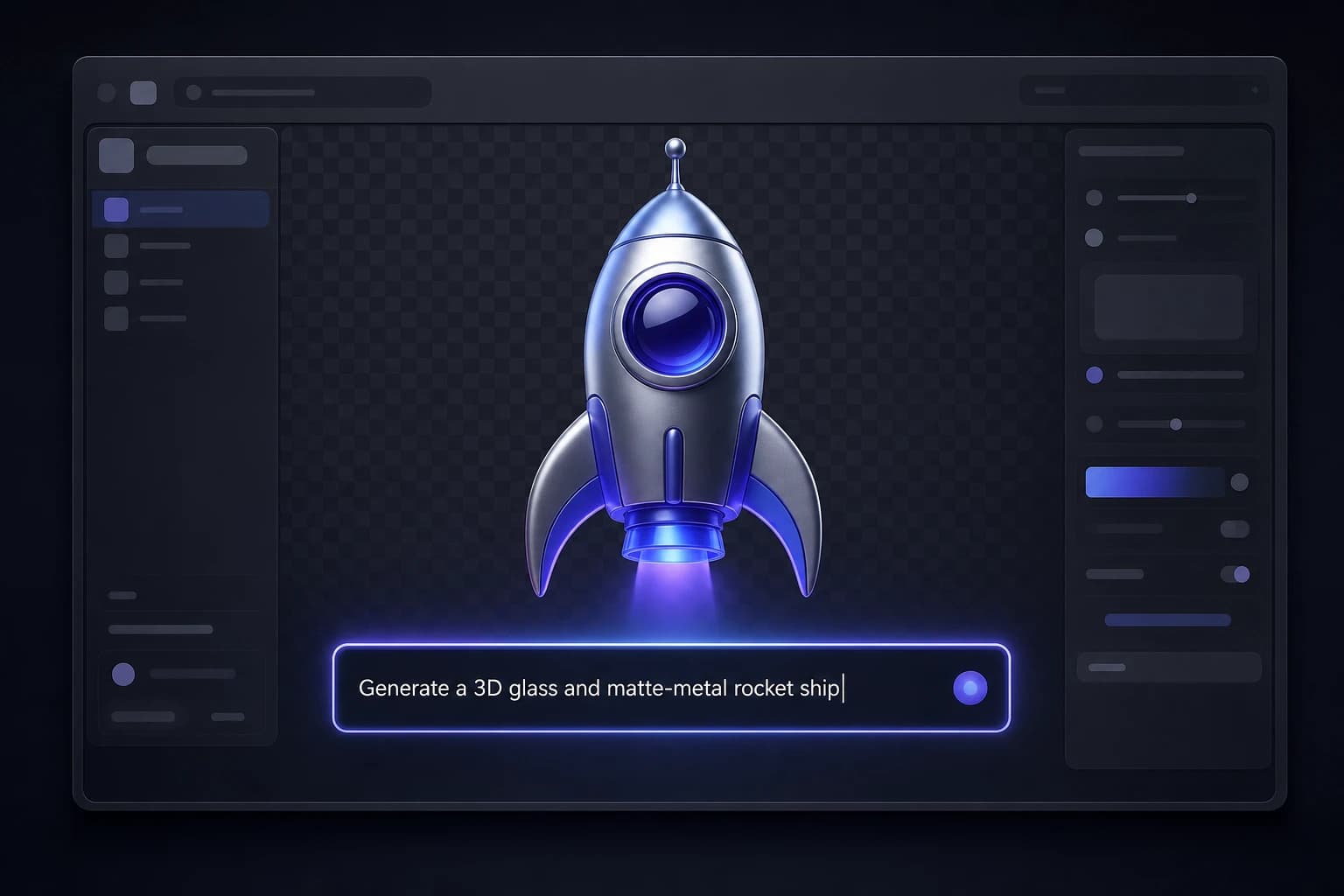
Oven AI completely eliminates this workflow. Instead of forcing you to clean up artifacts or manually cut out a png sign, Oven AI exports high-resolution, transparent PNGs that are instantly drop-in ready. There is absolutely no manual background removal needed, saving you hours of tedious post-processing.
Brand Style Memory and Cohesive Packs
Style drift is a common issue with AI-generated icons, often resulting in a fragmented UI where no two icons look like they belong in the same app. Oven AI solves this directly with its 'brand style memory.'
Once you establish a visual baseline, the AI remembers your specific lighting, material, and geometric preferences. This ensures that whether you are generating a settings gear or a user profile avatar, every piece of the icon pack remains perfectly cohesive and on-brand.
Prompt Formulas for Top 3D Aesthetics
Getting the perfect 3D look doesn't require complex prompt engineering. Here are three concrete prompt formulas you can use in Oven AI to replicate popular styles:
- iOS 3D Aesthetic: "A 3D app icon of a [subject], highly detailed, smooth liquid glassmorphism, soft studio lighting, vibrant gradient background, clean Apple iOS style, 4k resolution."
- Messenger 3D Aesthetic: "A 3D icon of a [subject], bubbly and rounded geometry, glossy plastic material, bright neon gradient colors, soft drop shadow, modern chat app style."
- Google Photos 3D Aesthetic: "A 3D icon of a [subject], folded paper and smooth matte clay materials, overlapping geometric shapes, primary Google brand colors, flat but with realistic depth and soft ambient occlusion."
The "Pay-As-You-Bake" Advantage
Developers often settle for rigid, pre-made premium 3D asset packs because they think custom 3D design is too expensive. However, these premium packs lock you into someone else's visual style and charge high upfront fees for assets you might never use.
If you've ever wondered about what you actually get and where it breaks down with free AI generators, you know they fail when you need commercial-grade consistency. Oven AI offers a flexible 'pay-as-you-bake' pricing model. You only pay for the exact custom assets you generate, giving you infinite flexibility without the bloated cost of a premium marketplace pack.
Launch and Tracking
Before deploying your new assets, always review the privacy policy of your chosen AI tool to ensure your proprietary app concepts and branding remain secure. Once your app is live, ensure your marketing campaigns use the correct utm source and utm medium parameters to A/B test which 3D icon variations drive the highest conversion rates and downloads.
If this is the kind of work you're shipping, that's the gap we built Oven AI to close — open it the next time you hit this wall.
If this is the kind of work you're shipping, that's the gap we built Oven AI to close — open it the next time you hit this wall.