The most common mistake product managers make in 2026 is buying an all-in-one "AI for product" platform that does five jobs at a C+ level instead of one job at an A. Product managers and design teams often waste budget on bloated software when what they really need is to move quickly from concepts to testable prototypes.
The reality is that most AI image generators fail at the basics of UI design: they struggle with consistent lighting and almost always fail to deliver clean, transparent backgrounds. To find out which tools actually work for production, we tested 7 leading AI 3D icon generators using the exact same text prompt. We evaluated them based on strict UI/UX criteria: automatic background removal, brand style memory, and professional export formats (PNG, WEBP, and GLB).
Here is how the top tools stack up in 2026 so you can choose the right one for your exact workflow.
Which Tool for Which Job?
If you are in a rush, here is the cheat sheet for matching the tool to your specific bottleneck:
- Best for UI/UX & Product Teams: Oven AI
- Best for Vector Precision: Envato AI Icon Maker
- Best for Landing Pages & Web Design: Isometricon
- Best for Brand-Aligned Mockups: Venngage
- Best for Fast Presentation Content: Miricanvas
- Best for Comprehensive 3D Asset Pipelines: 3D AI Studio
- Best for App Store Icons: Composer
2026 Pricing Table: Subscription Bloat vs. Pay-As-You-Go
The software landscape is shifting away from rigid monthly fees. Here is how the top tools compare when looking at traditional subscription bloat versus flexible pricing models:
| Tool | Pricing Model | Starting Price | Best For |
|---|---|---|---|
| Oven AI | Pay-as-you-bake (Credits) | Flexible / Pay for what you use | Product teams avoiding subscription bloat |
| 3D AI Studio | Monthly Subscription | $19/month | High-volume 3D asset pipelines |
| Envato AI | Subscription (Envato Elements) | ~$16.50/month | Agencies needing full asset libraries |
| Venngage | Monthly Subscription | $19/month | Marketers needing brand kits |
| Composer | Monthly Subscription | Varies | Dedicated app developers |
The Side-by-Side Prompt Test
To reveal their raw, unedited outputs, we tested all 7 tools using the exact same text prompt: "3D isometric shopping cart with a metallic finish, clean lighting, transparent background."
| Tool | Lighting Consistency | Background Removal | Export Formats | Output Verdict |
|---|---|---|---|---|
| Oven AI | Flawless, studio lighting | Automatic, perfect edges | PNG, WEBP, GLB | Crisp, production-ready in 6 seconds |
| Envato AI | Good, flat vector style | Clean vector paths | SVG, AI | Great for vector, less "3D" depth |
| Isometricon | Strong isometric angles | Requires manual tweaking | PNG | Excellent angle consistency, messy edges |
| Venngage | Bright, presentation-friendly | Integrated into canvas | PNG, PDF | Good for mockups, lacks GLB |
| Miricanvas | Vibrant, slightly cartoonish | Pre-masked | PNG, WEBP | Fun and fast, but lacks realism |
| 3D AI Studio | Highly realistic | Clean mesh | GLB, STL, OBJ | True 3D model, but overkill for simple UI |
| Composer | App Store optimized | Solid backgrounds (by design) | PNG | Perfect for iOS icons, not UI elements |
1. Oven AI: Best for UI/UX & Product Teams
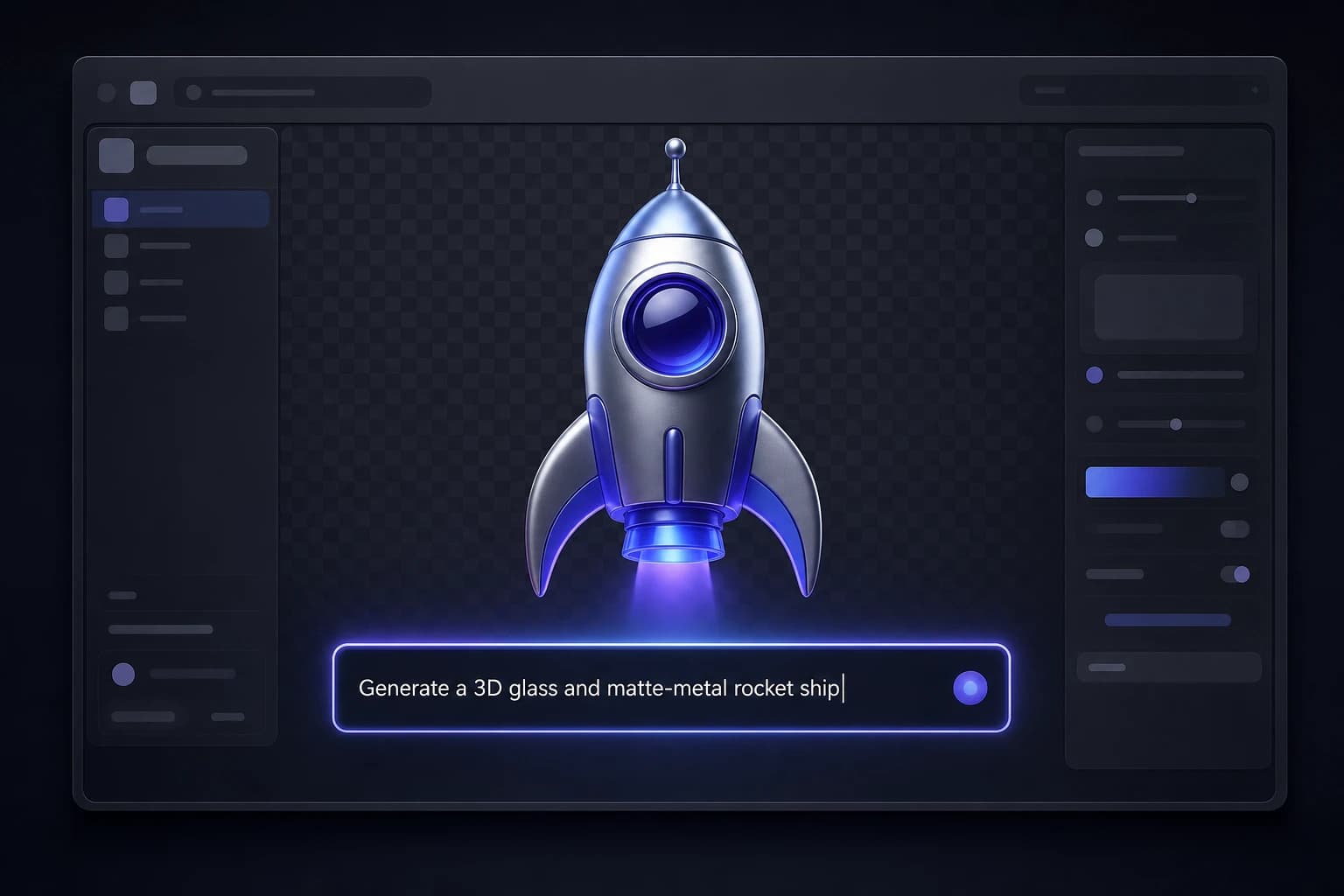
If you are building interfaces, you don't have time to manually mask backgrounds or wait minutes for a render. Oven AI was built specifically to solve the UI/UX bottleneck. It features a direct Figma plugin so you never have to leave your canvas, and it boasts blazing-fast 6-second render speeds.
More importantly, it operates on a "pay-as-you-bake" pricing model. Instead of adding another $20/month subscription to your bloated SaaS stack, you only pay for the exact icons you generate. With automatic background removal, strict brand style memory, and native PNG, WEBP, and GLB exports, it is the most efficient tool for product designers.
2. Envato AI Icon Maker: Best for Vector Precision
AI accelerates creation, but consistency still requires deliberate design. The Envato AI Icon Maker stands out for its focus on reliability, vector precision, and licensing clarity.
To get the best results, Envato allows you to use the same style preset and grid structure across every generation. Its standout feature is its vector output quality, producing true vector files (SVG or AI format) with clean, editable paths. This ensures scalability without sacrificing quality or compatibility with professional design software.
3. Isometricon: Best for UI and Landing Pages
If you need dimensional assets specifically for web design, Isometricon is a dedicated 3D isometric icon generator. It is designed to help teams turn prompts or reference photos into consistent icon sets for product UI, landing pages, and design systems without starting from scratch. Whether you need a simple object or a highly detailed concept, Isometricon excels at maintaining that specific, angled isometric look that is highly popular in modern SaaS design.
4. Venngage AI 3D Icon Generator: Best for Brand-Aligned Mockups
For product managers and marketers who need a fresh way to visualize features, Venngage’s 3D Icon Generator is an excellent choice. It integrates directly with their Brand Kit, allowing you to generate 3D icons that align perfectly with your product’s look and feel. It is ideal for mockups, walkthroughs, and MVPs, keeping every icon on-brand and presentation-ready.
5. Miricanvas GPT 3D Icon Maker: Best for Fast Content Creation
When you need to build a service introduction page or a presentation cover quickly, the Miricanvas GPT 3D Icon Maker makes the process fast and effortless. You simply type a word, and it delivers a 3D icon instantly. It is particularly effective for web content and projects that need more impactful imagery with real depth, though it leans slightly more stylized than photorealistic.
6. 3D AI Studio: Best for Versatile 3D Assets
If your workflow requires versatile 3D assets beyond standard UI icons, 3D AI Studio provides an all-in-one rapid generation platform starting at $19/month. It offers full commercial rights and allows you to export in standard 3D formats like GLB, STL, and OBJ. It is highly rated for its ability to produce accurate geometry and high texture quality, making it a powerful tool for teams that need comprehensive 3D pipelines.
7. Composer: Best for App Store Icons
If your specific goal is to design an icon for iOS or Android, general 3D generators might not perfectly align with App Store guidelines. Composer is the best AI app icon generator for the App Store. It is optimized specifically for the dimensions, visual weight, and solid-background aesthetic requirements of mobile app marketplaces.
How to Generate Consistent 3D Icons
Regardless of which tool you choose, generating professional content requires a strategic approach. To create consistent icon sets:
- Define your parameters: Start by defining stroke width, corner radius, and visual weight before you generate.
- Use references: Use one style reference or a specific image prompt for the entire set to maintain uniform proportions.
- Batch process: Generate icons in batches and refine them together rather than individually.
- Align and test: Align all outputs to the same grid and test them side by side to preserve a cohesive visual rhythm.
If this is the kind of work you're shipping, that's the gap we built Oven AI to close — open it the next time you hit this wall.