In the modern product management landscape, your job is to direct AI and build strategy—not to spend hours waiting on design bandwidth for basic visual placeholders.
3D logos and icons have become standard for professional branding, app interfaces, and social media marketing. While AI-powered tools can cut early design plus wireframing time by 70 to 80%, many teams still default to legacy design software for their initial concepts.
Below is the updated 2026 method for creating a 3D logo in Adobe Illustrator, followed by the breakthrough AI workflow that is replacing this tedious process entirely.
The Traditional Route: 3D Logo Walkthrough in Illustrator (2026)
If you need to create a 3D logo manually, Illustrator’s updated 3D and Materials panel is the standard starting point. Here is how to build one from scratch:
- Create Your Base Vector: Start by drawing your flat logo using the Pen tool or Shape builder. Ensure your paths are closed and grouped properly.
- Open 3D & Materials: Navigate to
Window > 3D and Materials. - Extrude or Inflate: Select your vector and choose the "Inflate" tab for a modern, bubbly 3D look, or "Extrude" for a rigid, architectural depth. Adjust the depth slider to your preference.
- Apply Materials and Lighting: Switch to the Materials tab to adjust roughness and metallic properties. Then, go to the Lighting tab to cast realistic shadows (Standard or Diffuse lighting works best for UI elements).
- Render and Export: Turn on Ray Tracing in the top right of the panel for high-quality rendering. Once processed, export your asset.
The Bottleneck: Why Traditional 3D Software Slows Teams Down
While Illustrator is great for basic extrusions, achieving true photorealistic 3D geometry often forces teams to migrate into heavy, complex 3D modeling programs.
This creates a massive bottleneck. Product teams simply cannot afford to contrast a 6-second AI render with the 4+ hours it takes to manually model, light, texture, and render a single asset in Blender or Cinema4D. When speed and iteration matter most, AI speeds up prototyping dramatically, turning tasks that used to take days into hours.
The 6-Second AI Alternative: Oven
Instead of wrestling with nodes, lighting rigs, and long render times, modern product teams use Oven to generate production-ready 3D logos and icons instantly. Oven eliminates the friction of general-purpose image generators by focusing entirely on usable UI and brand assets.
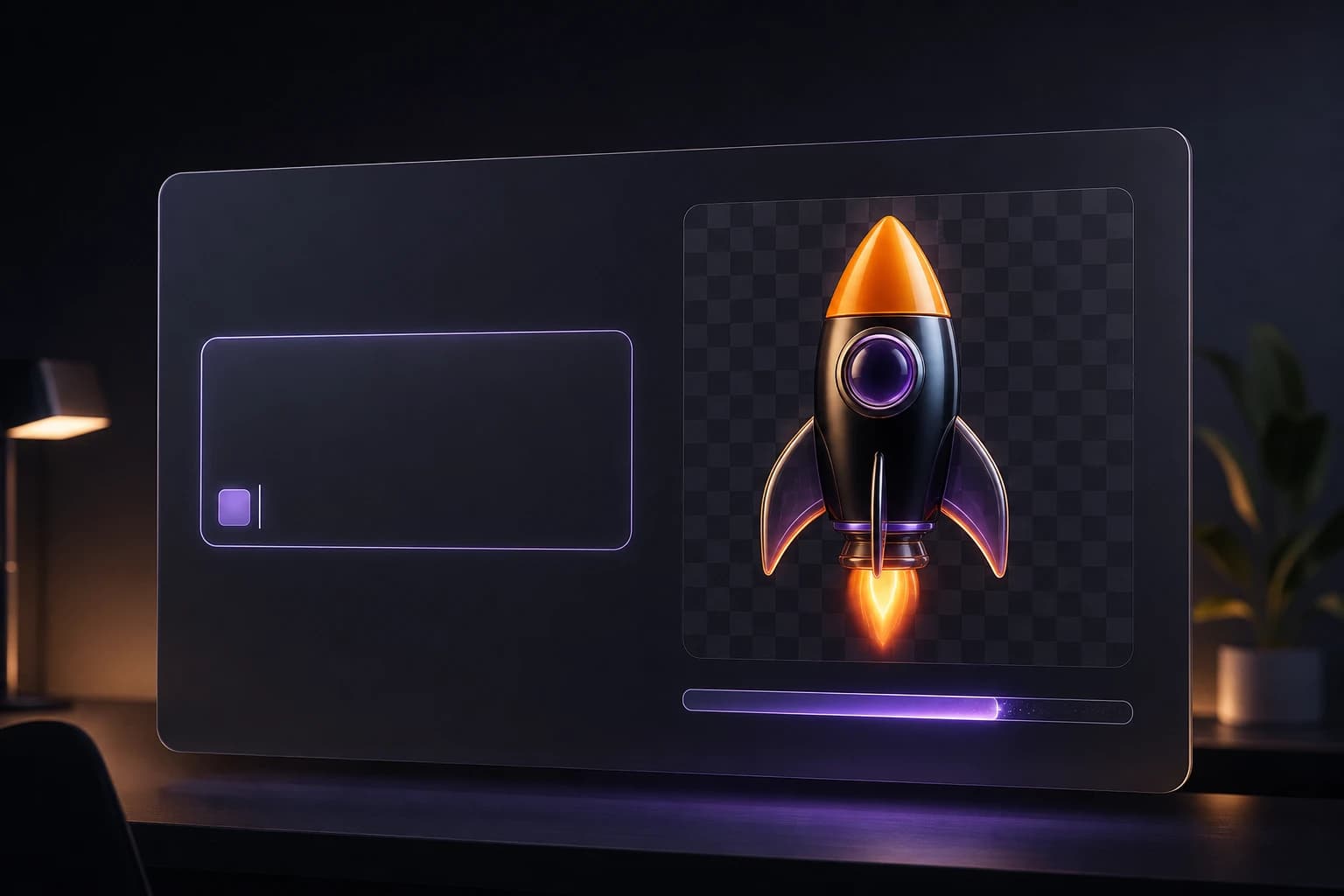
The exact workflow is built for zero-friction speed: Prompt -> Auto BG removal -> Figma plugin.
You simply type what you need, and Oven generates the 3D logo while automatically stripping the background. The asset is then dropped directly into your Figma canvas,no manual masking or Photoshop cleanup required. Because professional implementation requires versatile file types, Oven supports the exact export formats teams actually need: PNG, WEBP, SVG, and GLB (for true 3D integration).
Solving Style Drift with Brand Style Memory
A major issue with standard AI tools is maintaining visual consistency. As design experts note, an output can look polished and still miss your brand or your audience. If your new 3D logo doesn't match the rest of your app's iconography, it's unusable.
Oven solves this with Brand Style Memory. This feature locks in your specific aesthetic, ensuring that your 50th generated icon matches your first perfectly. It allows teams to experiment with various icon styles and visual directions before committing to a final design, while maintaining strict stylistic control across the entire project.
Pay-As-You-Bake Pricing
Most design tools and AI platforms lock you into expensive monthly tiers that drain your budget even when you aren't actively generating assets. Oven introduces a pay-as-you-bake pricing model, which is a massive relief compared to standard $30/mo subscriptions. You only pay for the assets you actually create and use, making it highly cost-effective for solo founders, PMs, and lean design teams.
The Bottom Line
The opportunity in 2026 is clear: reclaim hours of execution time and reinvest it in strategic work. The PMs getting the most from AI have built personal prompt libraries and adopted tools that integrate directly into their workflow.
Stop waiting on design bandwidth and massive 3D renders. Try Oven AI today and go from a raw idea to a perfectly styled, background-free 3D logo in just six seconds.