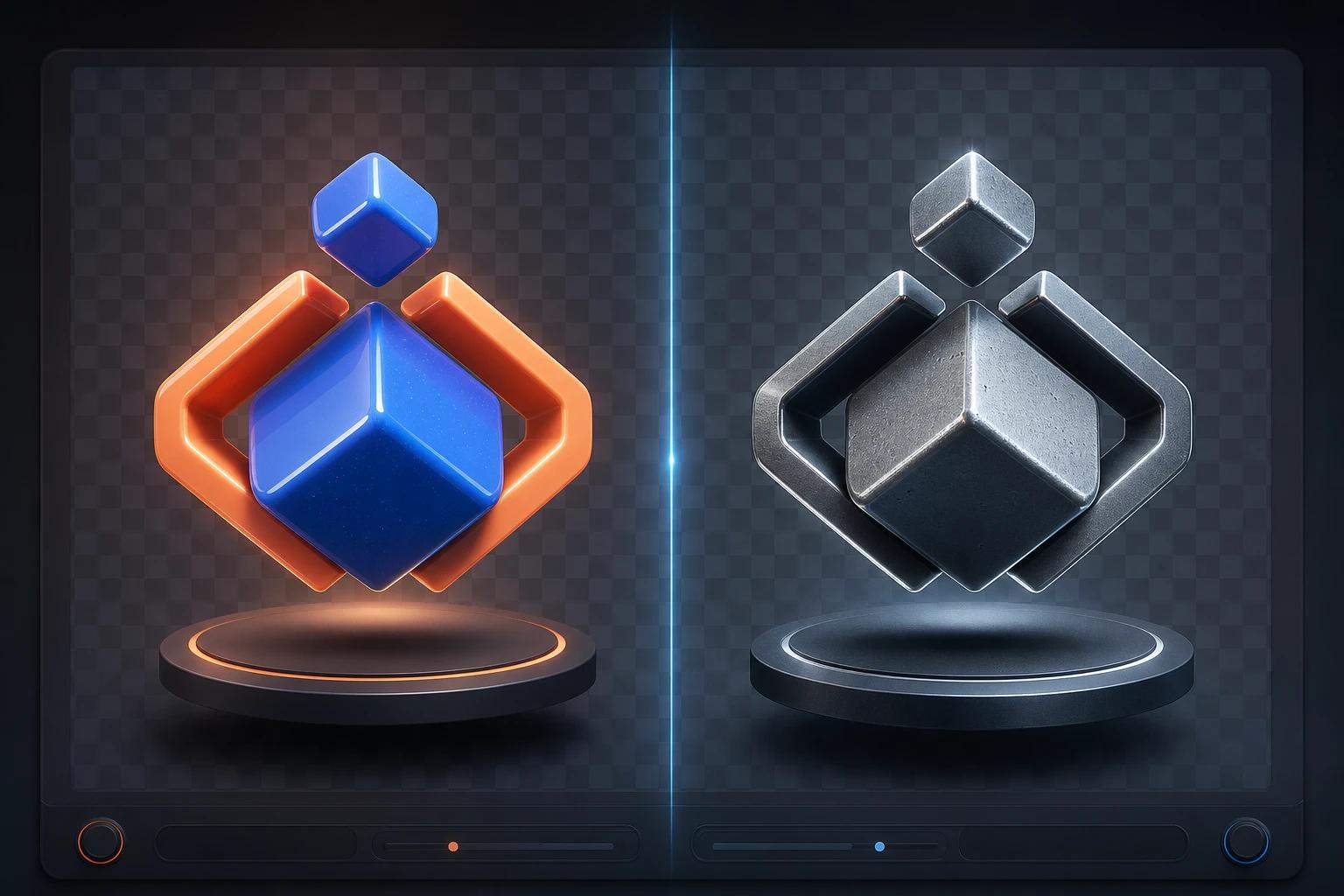

You need a 3D asset for a landing page or app interface. You decide it's time to finally learn 3D, so you download Blender. You open it up, stare at the classic "default cube," and are immediately hit by a wall of panels, modifiers, and an overwhelmingly complex interface.
While Blender is incredibly powerful for dedicated 3D artists, the hard truth is that learning it is a massive time sink with a terrible return on investment (ROI) for UI designers. You don't need to become a 3D generalist; you just need quick, consistent assets to hit your deadlines.
The Trap of Tutorial Hell vs. Real Deadlines
To get a single usable 3D object out of Blender, you have to understand topology, UV mapping, lighting setups, and rendering engines cada-edu.com. UI designers often fall into the trap of jumping between random YouTube tutorials for months, getting stuck in "tutorial hell" trying to figure out the basics of modeling and animation learn-blender.org.
In the reality of UI design, you don't have a lot of time to spend weeks on a single project. Your deadlines are measured in days or hours. Spending 40 hours learning how to bevel an edge or set up a camera just to get a simple 3D icon is a new way to miss a deadline, not a productive use of your time.
The Consistency Problem
Why do UI designers try to learn Blender in the first place? Usually, it's because stock libraries fail them. You can't find 3D assets that perfectly match your specific brand guidelines, so you assume the only way to get visual consistency is to build the assets yourself from the start.
But maintaining a consistent look across multiple assets requires deep technical knowledge of materials and lighting environments—topics that take years to master.
The Better Way: Skipping the Learning Curve
If the plan is to become a dedicated 3D artist, then learning complex software makes sense. But if you just need high-quality 3D assets directly in your UI workflow, there is a much faster solution.
Instead of wrestling with a complicated interface, you can use Oven AI. We built Oven AI specifically for designers who need 3D assets without the 3D learning curve. It integrates directly where you already work via our Figma plugin, offering:
- Instant Generation: You get ~6-second render speeds, completely bypassing the hours of manual modeling, lighting, and rendering.
- Drop-In Ready Assets: Every generation comes with automatic background removal, giving you clean, drop-in ready PNGs instantly.
- Perfect Consistency: Oven AI's brand style memory solves the exact consistency problem that forces designers to try learning 3D software in the first place. You get perfectly matched assets every time, without ever having to touch a lighting rig or a polygon.
Leave the heavy 3D software to the animators and VFX artists. Get your time back and keep your designs moving. If this is the kind of work you're shipping, that's the gap we built Oven AI to close — open it the next time you hit this wall.
If this is the kind of work you're shipping, that's the gap we built Oven AI to close — open it the next time you hit this wall.