
In 2026, the traditional product design workflow has been completely reshaped. For indie hackers, solo founders, and product managers, the focus has shifted from manual pixel-pushing to rapid prototyping and smooth automation. Yet, preparing product photos and UI assets, many teams are still stuck in the past.
The industry consensus has been to search for a slightly better AI eraser to speed up the process. But the best way to handle automatic background removal isn't finding a better eraser tool—it's generating studio-grade assets with transparent backgrounds already baked in.
The Problem with Legacy Erasers
If you've ever tried to upload flat images to remove a background, you know the frustration. You ask the software to cut out the subject, and you are immediately forced to inspect the edges. Legacy tools like Photoshop or Canva notoriously leave jagged borders, weird color halos, and awkward artifacts around complex shapes. Changing the background or dropping that asset into a new design means spending extra time manually cleaning up the mess just to make the product photos look professional.
You shouldn't have to fight your tools to get a clean image.
The 30-Second Workflow: Generate, Don't Erase
Instead of trying to salvage flat images, modern design relies on native AI generation. With Oven, the process of getting a perfect, isolated subject is incredibly easy because you skip the removal step entirely.
Here is what the modern 30-second workflow looks like:
- Prompt your asset: Describe the exact 3D object or product asset you need.
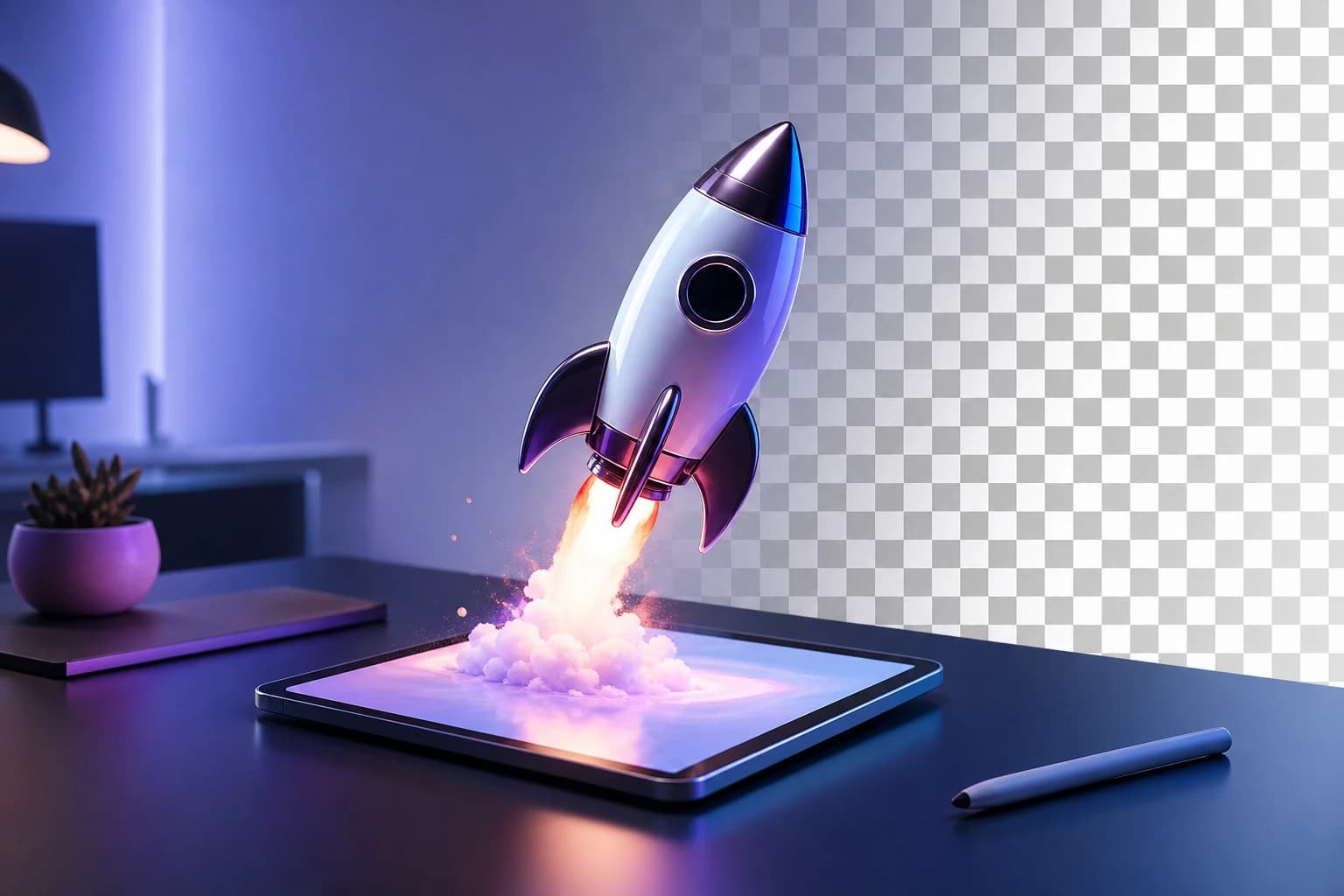
- Bake the transparency: The engine doesn't cut a subject out of a background; it generates the object natively in 3D space with a transparent background already baked in.
- Render instantly: You get a flawless, ready-to-use asset with a blistering 6-second render speed.
Because the asset is generated natively without a background, the edge quality is flawless. You get the perfect comparison: native AI generation yields crisp, perfect borders, completely eliminating the jagged, halo edges left behind by legacy tools.
Smooth Design Integration and Smarter Pricing
This workflow is designed to keep you in your flow state. Thanks to the Oven Figma plugin, you don't even need to leave your canvas. You can generate these perfectly transparent assets and drop them directly into your UI designs as a smooth, drop-in process. No downloading, no dragging and dropping from a browser window, and zero context switching.
Furthermore, this shift in the workflow completely changes your software overhead. Why pay for a standalone background remover subscription bloat when you only need occasional assets? Oven operates on a "pay-as-you-bake" pricing model. You only pay for the assets you actually generate, freeing your budget from yet another expensive, single-use monthly fee.
If this is the kind of work you're shipping, that's the gap we built Oven AI to close — open it the next time you hit this wall.