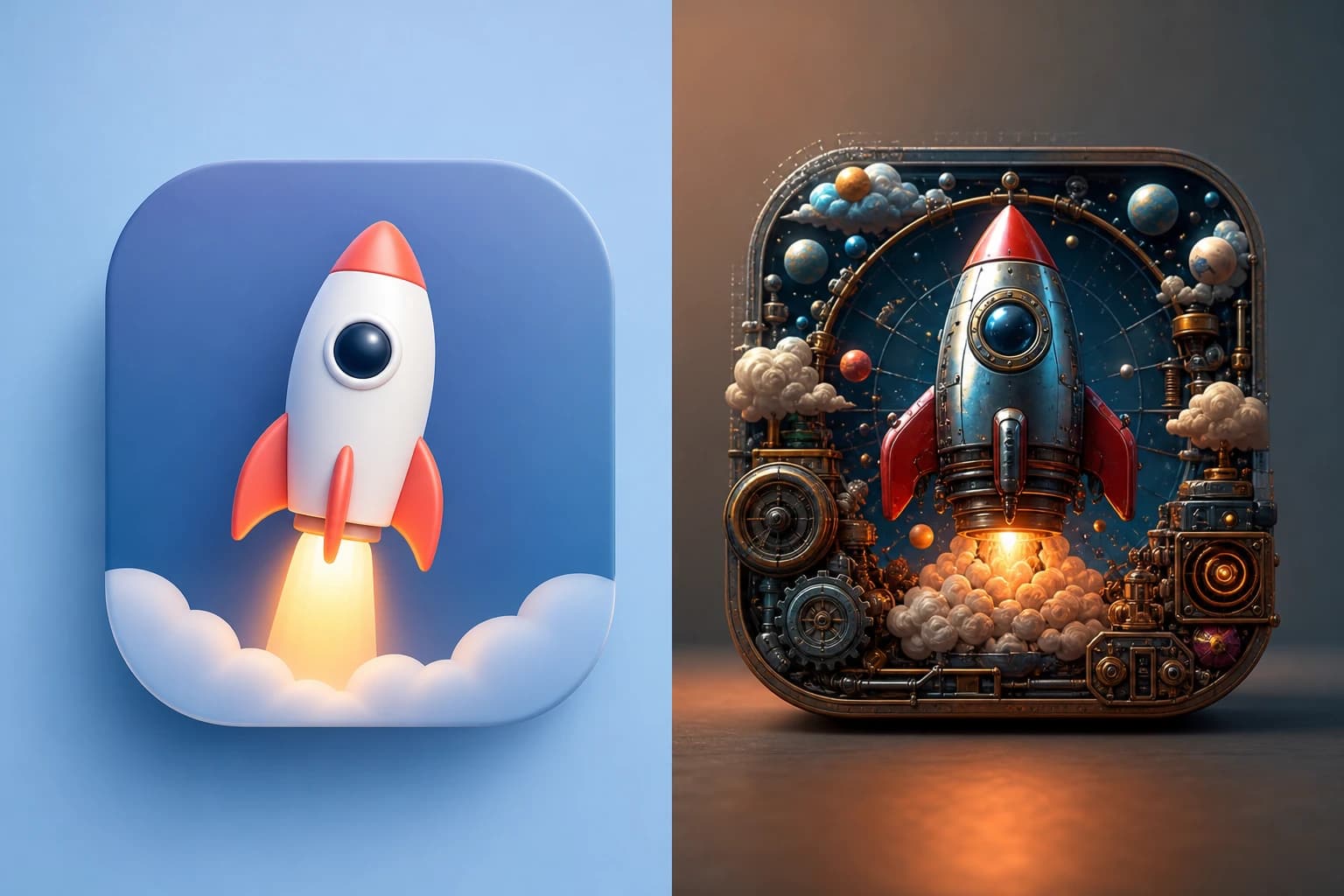
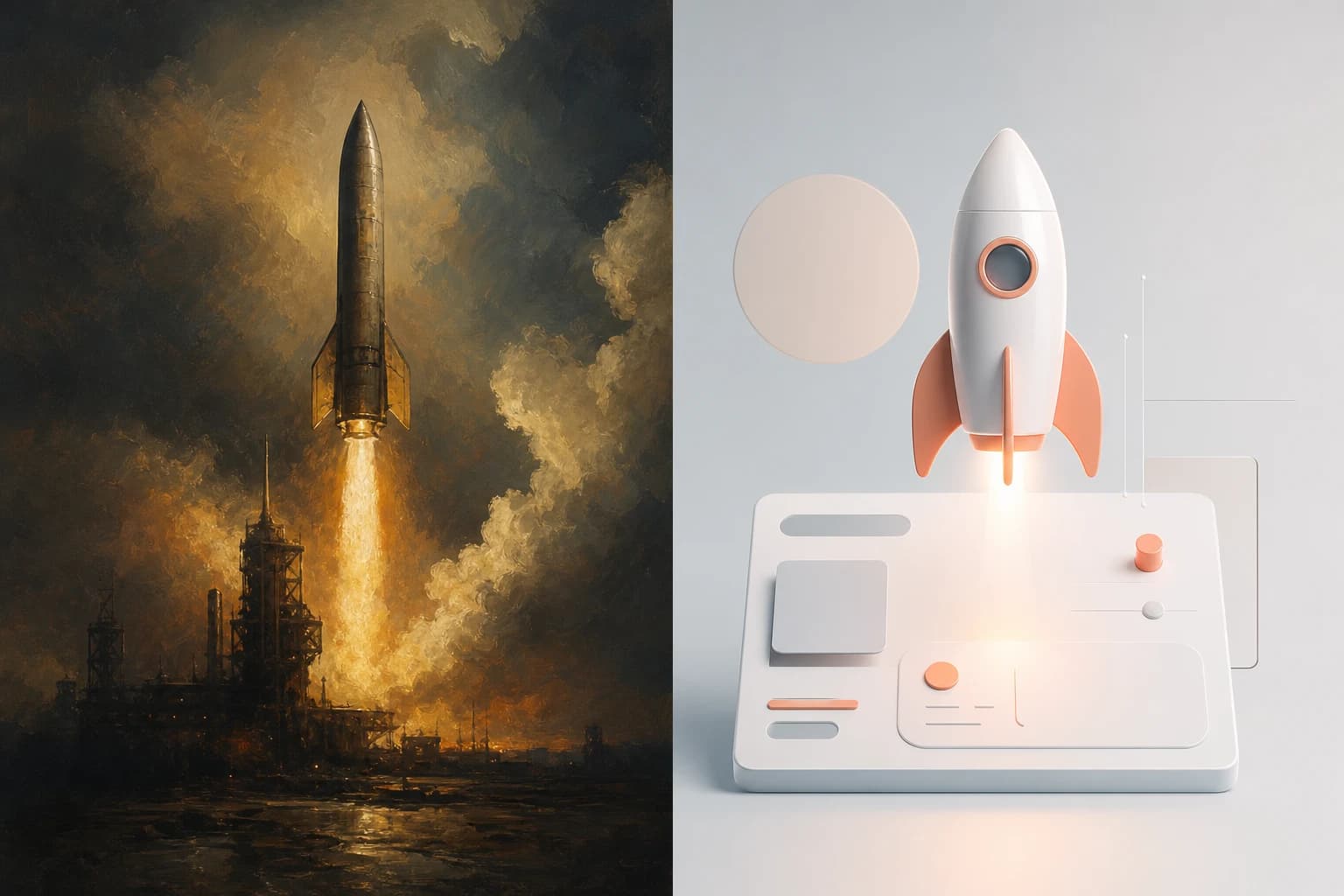
Midjourney operates as a leading AI image synthesis system relying on deep learning to translate text into highly artistic, oil-painting style visuals. While it excels at generating atmospheric and cinematic art, product teams frequently encounter severe workflow friction. The platform mandates Discord for all operations, forcing professional teams into a confusing chat-based interface with complex command structures.
In the end, the decision to look for a Midjourney alternative often comes down to factors like creative control, cost, output needs, and workflow compatibility [https://www.lummi.ai/blog/midjourney-alternatives]. Designers and product managers need tools that can generate precise text, scalable graphics, and consistent brand assets—areas where Midjourney often requires tedious workarounds [https://www.mindstudio.ai/blog/recraft-v4-vs-imagen-3-vs-midjourney-v8-design-comparison].
If you are building modern interfaces, the painful process of manually removing backgrounds from Midjourney outputs vs. native transparent PNG generation is a massive bottleneck. You don't just need an art generator; you need a production-ready UI asset engine.
Oven AI: The Premier Alternative for UI and 3D Icons
When you need to create UI elements or 3D icons, Midjourney's lack of native transparency and strict adherence to its signature style can ruin your workflow. Oven AI is built specifically to solve these problems for product teams, positioning itself as the ultimate tool for interface design.
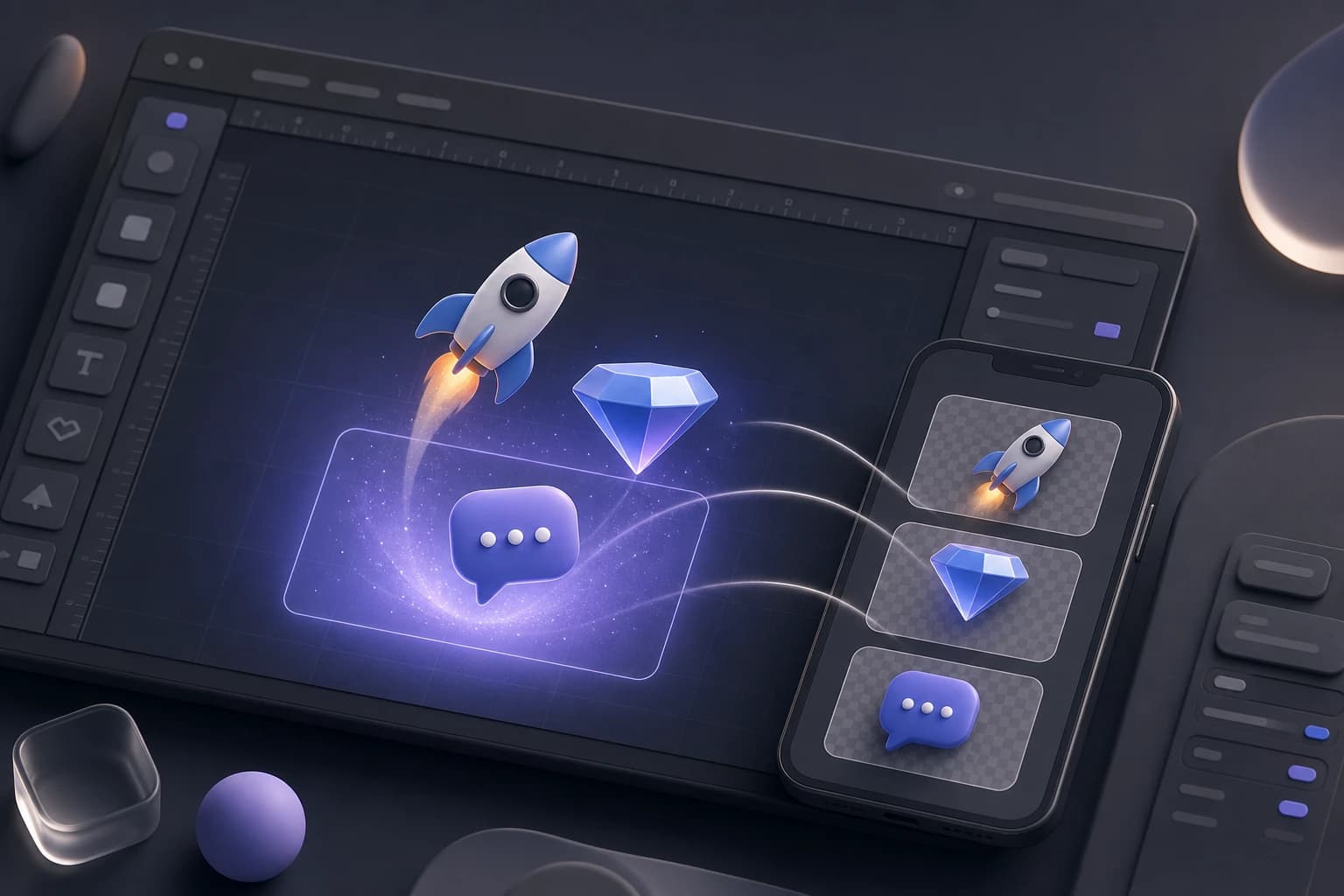
- Native Transparent PNGs: Say goodbye to the painful process of manually removing backgrounds from Midjourney outputs vs. native transparent PNG generation in Oven AI. You get perfectly isolated 3D icons ready for production the moment they finish generating.
- Next.js Web App Integration: Oven AI provides perfect use cases for Next.js web app developers. Instead of routing assets through Photoshop to clean up artifacts, developers can drop optimized, transparent 3D icons directly into their frontend components.
- Figma Plugin Integration: Skip the Discord chat entirely. Oven AI features smooth Figma plugin integration, allowing you to prompt, generate, and place assets directly within your design canvas.
- Pay-As-You-Bake Pricing: Why pay a flat monthly subscription for a tool that doesn't fit your UI needs? Oven AI's pay-as-you-bake pricing model ensures you only pay for the assets you actually generate, combating subscription bloat and keeping project costs lean.
Other AI Image Models for Specific Niches
While Oven AI dominates UI and 3D icon generation, no single model is best for every design task [https://www.mindstudio.ai/blog/recraft-v4-vs-imagen-3-vs-midjourney-v8-design-comparison]. Working professionals often use a list of specialized tools in combination to cover other non-UI needs:
- Imagen 3 for Photorealism: When your brief calls for something that looks like it was shot in a studio, Imagen 3 is the strongest choice [https://www.mindstudio.ai/blog/recraft-v4-vs-imagen-3-vs-midjourney-v8-design-comparison]. It is the premier realism model, purpose-built for product photography and photographic campaign assets.
- Leonardo.AI for Game Assets: Leonardo.AI targets creators who need consistent style and high output for projects like concept art, product visuals, and game assets. It supports guided generation workflows for quick variations and includes specialized tools to produce game-ready 3D textures.
- Adobe Firefly for Creative Cloud: Adobe Firefly generates images, video, audio, and vector graphics using natural language prompts that integrate directly with Adobe apps.
- Recraft V4 for 2D Brand Consistency: While it lacks Oven AI's specialized 3D icon focus, Recraft V4 lets you define and save style references so that a suite of brand assets maintains visual coherence across multiple generations.
- Flux and Google Gemini: Flux is the best alternative for customizability and open weights, while Google Gemini is the recommended choice for trying out video models like Veo.
Building a Modern Design Workflow
Instead of looking for a single app to replace Midjourney entirely, working professionals tend to use them in combination [https://www.mindstudio.ai/blog/recraft-v4-vs-imagen-3-vs-midjourney-v8-design-comparison].
A highly effective, modern design pattern looks like this:
- Exploration: Use Midjourney or GPT models for early concept exploration and creative direction based on a simple text prompt.
- Realism & Video: Move to Imagen 3 or video generation tools when the direction is set and you need polished, photorealistic marketing output.
- UI Production: Switch to Oven AI for anything that needs to be a real UI file. With Figma plugin integration and native transparent PNGs, it's the fastest way to get production-ready 3D icons into your app.
If this is the kind of work you're shipping, that's the gap we built Oven AI to close — open it the next time you hit this wall.
If this is the kind of work you're shipping, that's the gap we built Oven AI to close — open it the next time you hit this wall.